

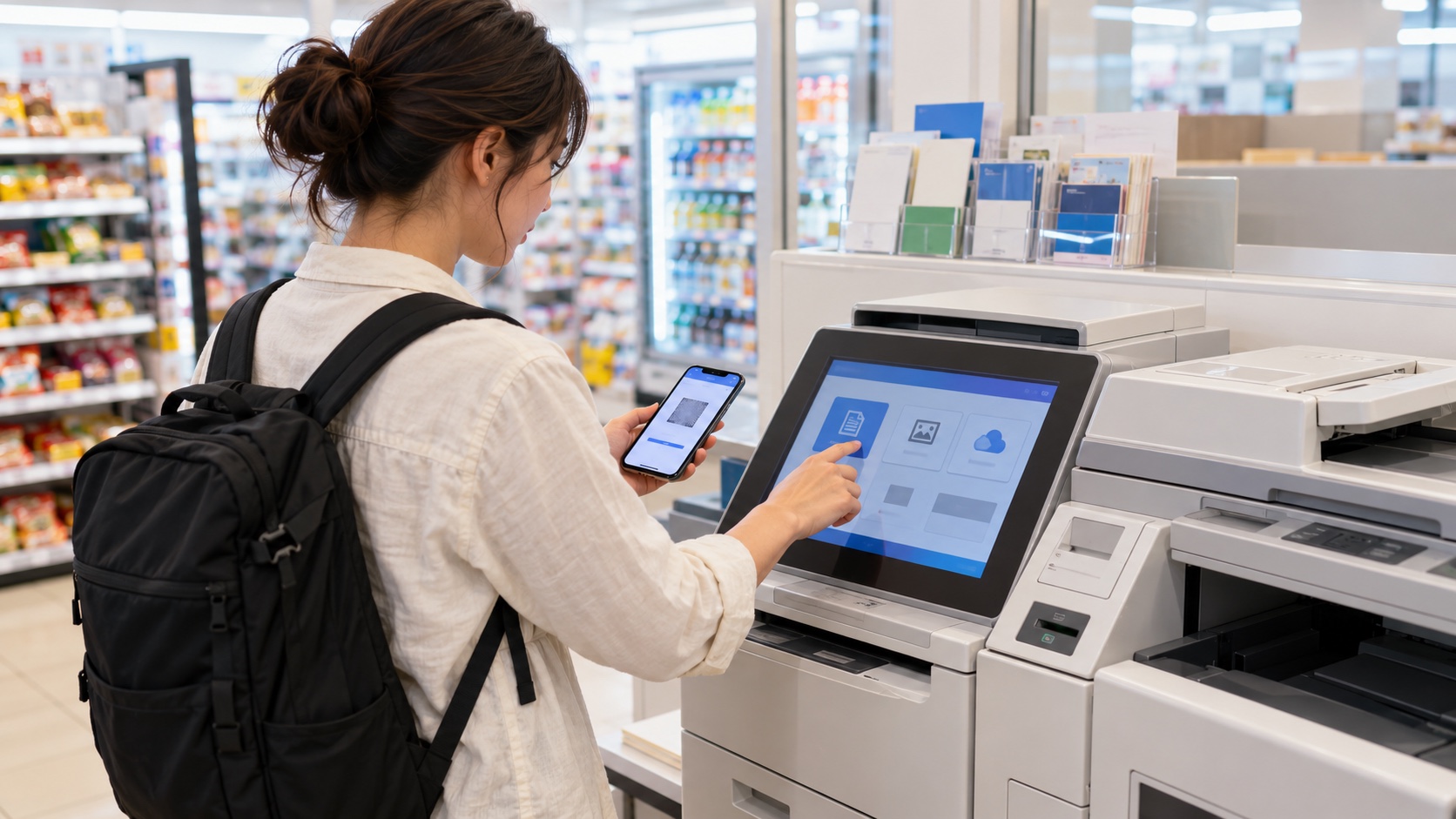
Japan’s convenience-store multifunction printers can print a PDF, copy a passport page for an application, scan paper to a phone or USB drive, and produce photos. The difficult part is that each chain uses a different app or upload service. Prepare the file before you leave Wi-Fi, then check the preview before paying.
What these machines can do
Functions vary by store and machine, but commonly include plain-paper printing, photo printing, copying, scanning and faxing. Some machines also handle tickets or government certificates; those services have separate eligibility and privacy rules. A printer may be unavailable during maintenance, and not every branch has the same equipment.
Choose the upload method before visiting
You normally have three options: upload a file to the chain’s network-print service and receive a reservation number or QR code; transfer from the chain’s app while standing at the machine; or use compatible removable media. A reservation created for one chain will not work at another. Screenshot the reservation details and expiry time, but protect them because another person with the code may be able to print the file.
PDF is the safest document format
Convert office documents to PDF and embed fonts before uploading. This reduces font replacement, missing characters and layout shifts. Set the intended page size—usually A4 for ordinary travel documents—and inspect every page. Password-protected, unusually large or unsupported files may fail, so keep a second PDF copy and enough time to try another method.
Step-by-step: printing a document
- Save a final PDF without unnecessary personal information.
- Use the selected chain’s official app or web service to upload it.
- Record the reservation number or QR code and its expiry.
- At the machine, choose print or network print—not copy.
- Enter the number or scan the code, then verify the thumbnail, paper size, color, page range, sides and quantity.
- Confirm the displayed price, pay using the methods shown on that machine, and collect every page and receipt.
- Check the output before leaving and make sure no original, USB drive or loose page remains.
Scanning paper safely
Use the scan function only when you understand where the file will be sent. Check file format, resolution and destination before starting. For passports, medical papers, booking records or financial documents, avoid leaving files in a public upload account longer than necessary. Remove originals from the glass, sign out where applicable and delete temporary files according to the service’s instructions.
Copying IDs and official documents
Some applications ask for an ID copy, but never copy a passport merely because an unofficial business requests it. Confirm which page, size and color mode are required. Laws restrict copying currency, securities and some copyrighted material. When uncertain, ask the receiving organization what is acceptable.
Payment, paper and common mistakes
Payment options and prices differ by chain, machine, paper and color setting. Carry coins as a fallback and check the price on screen. Photo paper is not the same as plain paper, and changing the paper size can crop or enlarge a file. Duplex printing may be charged by printed side. Never assume a document was deleted just because it printed successfully.
When the machine rejects your file
- Export a fresh PDF with embedded fonts.
- Reduce file size without making text unreadable.
- Remove password protection if safe and permitted.
- Rename the file with simple letters and numbers.
- Try the official network-upload method instead of direct phone transfer.
- Use a staffed print shop for urgent, confidential or unusual formats.
Useful Japanese
PDFを印刷したいです。 (I would like to print a PDF.)
A4、白黒でお願いします。 (A4, black and white, please.)
マルチコピー機はどこですか。 (Where is the multifunction printer?)
この予約番号は使えますか。 (Can I use this reservation number?)
Official checks before you go
Seven-Eleven’s official in-store printing guide explains QR-code and eight-character reservation-number printing. Its official FAQ recommends PDF files with embedded fonts when layout accuracy matters. Other chains use different systems, so open the official service page for the exact chain you plan to visit.
Frequently asked questions
Can I print from an email?
Usually you must first save the attachment as a supported file and upload or transfer it through the relevant official service.
Will one reservation number work at every chain?
No. Reservation numbers and apps are service-specific.
Can staff operate the machine for me?
They may explain the menu, but privacy-sensitive choices and file handling remain your responsibility.
Is it safe for passport copies?
Minimize the data used, confirm the recipient’s requirement, protect the reservation code and collect all originals and pages.
Official service information checked November 1, 2026. Functions, supported files, prices and payment methods can change by chain and machine.