



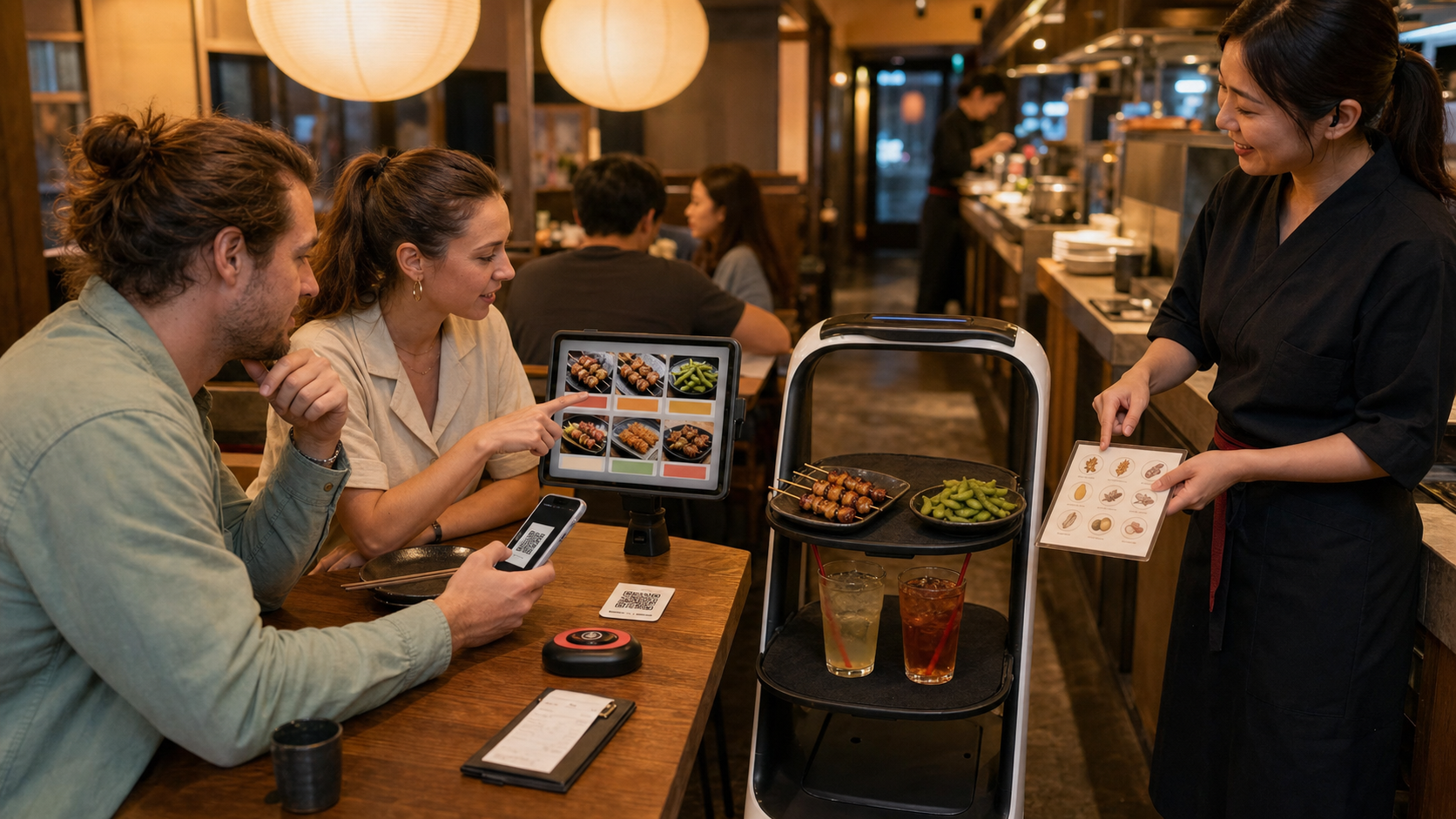
Information checked: August 26, 2026. A multilingual tablet, QR menu or delivery robot can reduce one part of an izakaya’s language barrier, but technology does not guarantee a correct translation, safe allergen advice or accurate final bill. The best digital izakaya still combines efficient tools with human hospitality. This guide shows the full path from scanning to payment—and when to stop tapping and ask a person.
Technology changes the interface, not the shared-table culture
An izakaya remains a casual place where drinks and small dishes arrive in rounds and companions share food. Digital ordering can display photographs, keep a running order and send items directly to the kitchen. It may help travellers browse slowly and businesses handle staff shortages, but it does not make every menu multilingual or every restaurant “high-tech.”
A handwritten seasonal board, a cook’s recommendation and attentive confirmation still carry cultural value. Do not judge a small family izakaya as inferior because it uses paper, or assume a robot venue is more authentic. Choose by food, atmosphere, access and communication needs.
Recognise the system before placing the first order
| System | Normal action | Main risk |
|---|---|---|
| Paper / picture menu | Point or tell staff; order is confirmed verbally | Translation and portion ambiguity |
| Table tablet | Select language, table/group, quantity, then submit | Previous guest cart, quantity buttons, battery or frozen screen |
| QR web menu | Scan the card, open official page, join table and send order | Wrong QR, mobile data, browser translation, duplicate tabs |
| Call button | Press once and wait for staff | Repeated presses do not mean faster service |
| Delivery robot | Take only your table’s items and confirm completion as instructed | Wrong tray, hot plates, blocked sensors or aisle |
Some venues combine all of these. The ordering device, delivery method and payment method can be separate: a QR order does not prove QR payment, and a robot may only transport dishes after staff check them.
Confirm the table rules before scanning or tapping
- Ask whether there is a time limit, one-drink rule, otoshi, seat charge or all-you-can-drink plan.
- Confirm the correct table number and party size. A child or non-drinker may still count for some plans.
- Use the QR printed on the table or given by staff. Avoid unrelated stickers placed over it; confirm the web domain when possible.
- Check whether the menu works without an app, account, phone number or local payment method.
- Set language, then compare the translated name with the photograph and Japanese original. Machine translation can confuse fish species, cooking method and quantity.
- For a severe allergy, stop before ordering and speak to staff.
Keep enough phone battery for transport and emergencies. Ask for a tablet or paper alternative if the menu requires data, tiny text or permissions you cannot use. Free Wi-Fi and charging are not guaranteed.
Use the cart, status screen and table conversation to prevent duplicates
Start with a drink or soft drink and a few shared dishes, then add more after seeing portion size. Before pressing submit, read item name, quantity, options, unit and price. “One” may mean one skewer, one plate or one serving; a hotpot can require two servings.
After submission, look for an order number or status such as received, preparing, served or cancelled. A spinning screen is not proof of failure. Do not immediately resubmit; check order history or call staff. If two people use separate phones for one table, designate one cart manager. A change or cancellation is only complete after the system or staff confirms it—kitchen preparation may already have started.
A digital total may omit charges that still apply
The running cart can exclude otoshi, seat charge, tax, late-night surcharge, course charge, extra drink-plan time or items entered by staff. Read whether prices are tax-inclusive (zeikomi) or tax-exclusive (zeinuki). An “recommended” badge does not mean free, discounted or allergen-safe.
Food and drinks may have different last-order times. A screen can close automatically before the venue shuts; check the countdown and do not wait until the final minute. At payment, verify quantities and cancelled items. Some systems request payment at the table, others issue a QR or bill slip for the register. Even in a country with growing cashless use, the exact shop and card/code network must be checked; keep another payment method.
A delivery robot is a moving tray, not a waiter to play with
- Keep bags, coats, chairs and children out of the aisle.
- Wait until the unit stops completely and check the table number or staff cue.
- Take only the named tray. Plates, soup and metal dishes may be hot.
- Do not push, ride, block, photograph at close range or cover its cameras and sensors.
- Press the completion button only if instructed; do not send away another table’s food.
- If an item is missing, wrong or spilled, leave the robot safe and call staff.
The robot cannot assess an allergic reaction, decide whether chicken is fully cooked, confirm age or negotiate a bill. Human staff remain responsible for hospitality and safety; asking for help is normal, not a failure of the experience.
A language icon is not a medical guarantee
Japan’s Consumer Affairs Agency notes that restaurant allergen information is voluntary and cross-contact can occur. A tablet icon may cover ingredients in the standard recipe but not stock, sauce, substitutions, shared fryers, grills or utensils. Common izakaya concerns include fish stock, soy/wheat sauce, egg, milk, sesame, nuts, shellfish and undercooked chicken. A vegetable photo is not proof of vegan, halal or gluten-free food.
Use the agency’s smartphone allergy communication sheet or a precise written card, then obtain human confirmation before otoshi and the first order. For alcohol, Japan prohibits drinking under age 20. A tablet may allow a tap, but staff can request ID. Soft drinks are normal; never pressure companions. Keep water and food between alcoholic drinks and do not drive or cycle afterward.
Budget, digital access and FAQ
| Visit style | Planning range per person |
|---|---|
| Light meal with soft drink | About ¥2,000–¥3,500 |
| Several dishes and drinks | About ¥3,000–¥5,500 |
| Premium seafood, sake or course | Often ¥5,000+ |
Technology does not make the meal cheaper. These are planning ranges, not shop prices; add any seat, late-night or course charge.
Before visiting, record exact branch address, station exit, opening and closed days, last order, reservation, time limit, smoking, payment and current ordering method. For accessibility, ask about step-free entry, aisle width, movable chairs, tablet reach, font enlargement, colour contrast, screen-reader compatibility, accessible toilet and a non-digital ordering alternative. A robot requires clear floors but does not prove wheelchair access.
May I use browser translation?
For browsing, yes; for allergies, cooking state, quantity and price, compare the original and ask staff.
What if the QR page will not open?
Do not scan random neighbouring codes. Show staff and request the official link, tablet or paper menu.
Can I split the bill in the app?
Only if explicitly supported. Many izakaya issue one table bill; settle privately afterward if necessary.
Should I tip the robot or staff?
Tipping is not customary. Pay the stated bill and thank staff.
Can I photograph the robot?
Ask and avoid blocking it, filming staff or identifying other guests.
Official references: JNTO izakaya dining guide / METI: multilingual information / METI: cashless payments / Consumer Affairs Agency: dining-out allergies / Consumer Affairs Agency: allergy communication sheet / National Tax Agency: under-20 drinking prevention