



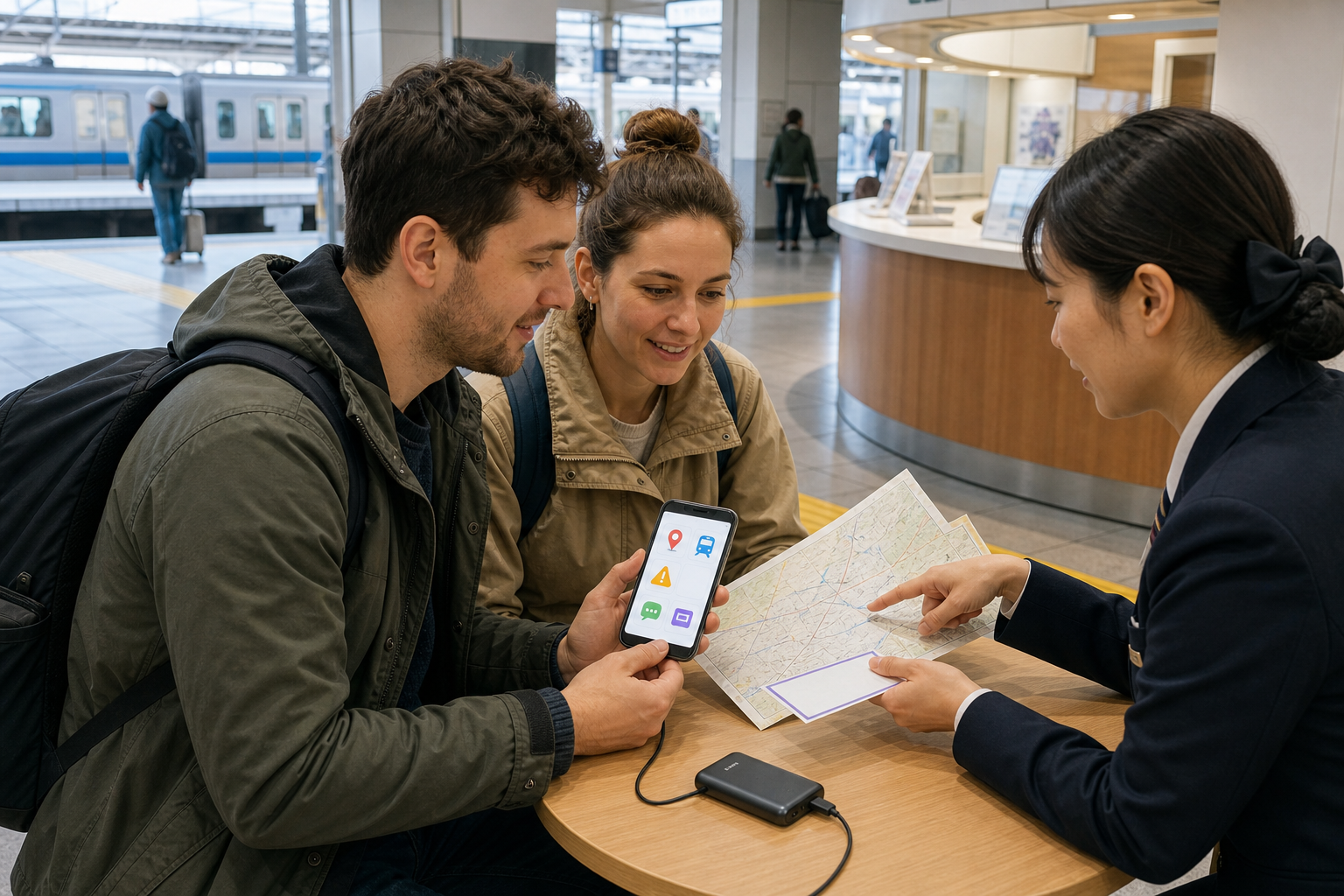
A phone can remove friction in Japan, but no app is a universal authority. Railways, buses, restaurants and disasters change in real time, while reception, batteries and foreign cards fail. The reliable approach is a small toolkit that you test before departure, backed by official information and a few offline essentials.
Build the minimum toolkit by task
| Task | Primary example | Backup |
|---|---|---|
| Route planning | Google Maps or Japan Travel by NAVITIME | Operator site + saved station/stop |
| Disaster alerts | Safety tips | JMA/local authority + accommodation staff |
| Translation | VoiceTra, Google Translate or DeepL | Downloaded language + written key phrase |
| Reservations | Official operator/venue channel | Confirmation screenshot and phone |
Install only what serves your itinerary. Log in, allow only necessary permissions and test one real route, alert and translation. Ten unfamiliar icons are less useful than four tools you can operate under pressure.
Navigation: use predictions, then confirm the segment
Google Maps is convenient for walking and mixed transport. Japan Travel by NAVITIME adds Japan-focused route search, rail-pass-aware options, itinerary cost/time and some offline nearby search. Neither guarantees a platform, lift, last bus or disruption response.
- Match the operator, train category, destination and stop pattern.
- Save the station exit, bus route number, platform/bay and final return.
- Confirm major or rural legs on the operator’s official page on the day.
- Add transfer walking, baggage and step-free route time.
Book transport through the operator you will ride
Use official railway, airline and bus channels where practical. SmartEX covers Tokaido, Sanyo and Kyushu Shinkansen, not every train in Japan. Membership is for ages 18+, and card, 3-D Secure, country and app-store eligibility matter. Debit/prepaid cards may be declined or temporarily charged.
Check the exact train, seat, baggage, pickup/QR/IC method, change and refund terms. An IC link is optional in SmartEX; keep the reservation number and the physical card used where the rules require it.
Disaster alerts: notifications are a prompt, not the whole plan
Safety tips, supervised by the Japan Tourism Agency, provides alerts in 15 languages for earthquakes, tsunami, volcanic and severe-weather risks, heat illness and civil protection. Enable location and notifications, and register the areas you will visit.
Cross-check the Japan Meteorological Agency, local authority, transport operator and accommodation. Follow evacuation instructions rather than completing a sightseeing plan. Police is 110; ambulance/fire is 119. Ask a nearby person or staff member to call if language or location is unclear.
Translation: useful bridge, unsafe as the sole authority
NICT’s free VoiceTra supports speech translation in 33 languages; update to the current version before departure. Google Translate and DeepL are other examples, with language and offline features varying.
- Download needed languages and save your hotel address in Japanese.
- Use short sentences and confirm numbers, dates and negatives.
- Never rely solely on machine translation for allergies, medicine, law or emergencies.
- Do not photograph passports, tickets or private documents into a translation service without understanding data handling.
Food and place discovery: a listing is not live truth
Maps, Tabelog and Gurunavi can surface restaurants and photos. Recheck the business’s official page or phone for closure, last order, reservation, cash/card, children, dress and cancellation rules. Holiday and temporary closures often outdate listings.
For allergy, vegan, halal or religious needs, ask about ingredients, stock and shared oil/equipment; a filter or old review is not a guarantee. Carry a clearly written Japanese explanation and an emergency plan for severe allergy.
Taxis and ride apps: coverage and charges are local
GO and Uber are examples of dispatch interfaces, but service area, foreign phone/card acceptance and vehicle availability vary. In Japan an app commonly dispatches a licensed taxi rather than an unregulated private driver. Check meter, dispatch, reservation, late-night and toll charges.
Pin the correct entrance and show the destination name, Japanese address and phone. For a child seat, wheelchair vehicle or large luggage, request and confirm in advance; an app icon alone does not reserve the required vehicle.
Connectivity and payment: prepare two independent routes
Choose roaming, eSIM or physical SIM after checking band, tethering, data and activation conditions. Japan Wi-Fi auto-connect connects to supported public Wi-Fi, not every hotspot. Avoid banking or sensitive uploads on unknown networks and disable auto-join when unnecessary.
LINE Pay in Japan ended on 30 April 2025. Domestic wallets such as PayPay or Rakuten Pay can require local registration, phone verification or supported funding, so they are not dependable default recommendations for every visitor. Carry cash, a working international card and another payment method; check the merchant rather than trusting a logo in an app.
Privacy, accessibility and battery are travel features
- Grant location, camera, microphone, contacts and photos only when needed.
- Use a screen lock, account recovery and remote-device protection; hide notification previews.
- Set large text, voice input, vibration and hearing/visual aids before the trip.
- Carry a power bank and cable; observe airline limits and never block tactile paving while charging.
- Keep emergency contact, insurance and medicine information available offline.
Public charging ports and shared devices deserve caution. Prefer your own charger/cable and never leave a phone or luggage unattended.
Before departure: make the phone non-essential
- Update apps and operating system; log in and complete 3-D Secure.
- Download maps/languages; screenshot accommodation, reservations and final transport.
- Save addresses in Japanese, meeting points and operator support numbers.
- Carry paper address/route, cash, card, power bank and critical medicine.
- Test one route in airplane mode and share the itinerary with a trusted person.
Do I need every app listed?
No. Choose by itinerary and delete tools you will not use.
Can an app replace station or hotel staff?
No. During disruption or ambiguity, show the exact segment and ask the operating company or nearby staff.
What if my phone is lost?
Use the paper hotel address, contact your provider and account service, lock the device remotely, and report theft to police. Keep passport and payment separately.
Official references: NAVITIME; Safety tips; VoiceTra/NICT; SmartEX; Japan Wi-Fi auto-connect. Verify service conditions on the date used.